




















There’s a particular kind of dread that comes with opening a spreadsheet to log last week’s expenses. You dig through a pile of crumpled receipts, squint at faded thermal print, and manually type out merchant names, amounts, and dates — one tedious line at a time. By the time you’re done, you’ve spent twenty minutes on data entry for information that was already sitting right there on paper.
Outlay exists to skip that step entirely.
Point Your Camera, Not Your Patience
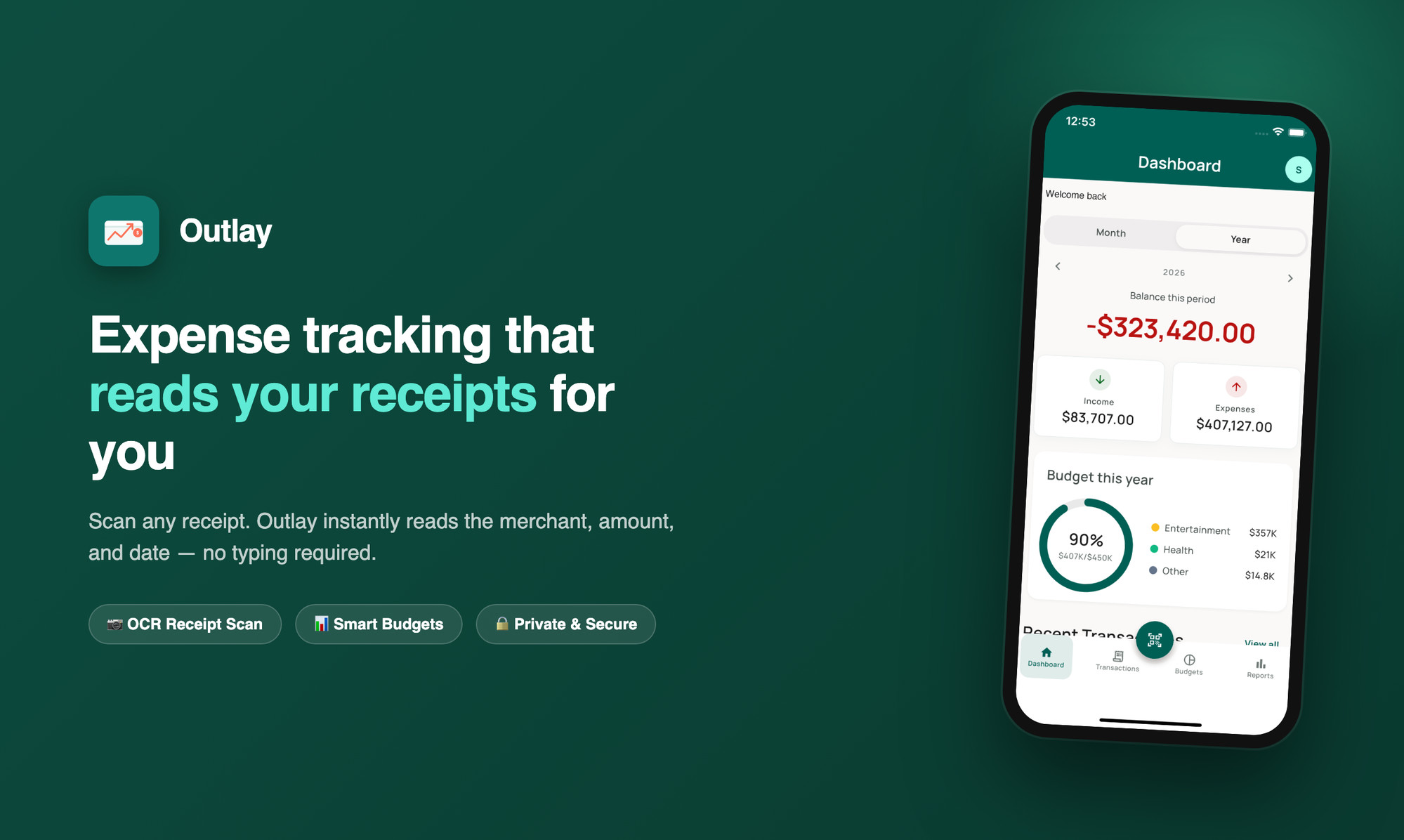
Outlay’s core idea is simple: your camera should do the typing. Snap a photo of any receipt, and Outlay’s built-in OCR instantly reads the merchant, amount, and date — no manual entry required. What used to take minutes now takes seconds, which means you’re actually likely to keep doing it instead of letting receipts pile up until “someday.”
This isn’t a gimmick bolted onto a generic expense tracker. It’s the reason Outlay exists in the first place: the biggest reason people abandon budgeting apps isn’t lack of discipline — it’s friction. Remove the friction, and the habit sticks.
Budgets That Actually Tell You Something
Once your expenses are logged, Outlay turns them into something useful. Set monthly budgets by category — groceries, entertainment, transport, whatever matters to you — and get a clear, at-a-glance view of what’s left before you overspend, not after.
See Where Your Money Actually Goes
Numbers on a list are one thing; a clear picture is another. Outlay’s reports break down your spending by category, week, month, and year with clean, readable charts — so instead of vaguely feeling like you spent “too much” somewhere, you can actually point to where.
Private by Design, Synced When You Need It
Sign in with Email, Google, or Apple, and your data syncs securely across every device you use. Nothing about how Outlay works requires you to trade privacy for convenience — your financial data stays yours.
Built for People Who Hate Manual Entry
If you’ve ever quit a budgeting app because logging expenses felt like a chore, Outlay was built for exactly that frustration. Scan a receipt, watch it fill itself in, and get back to your day.
Download Outlay on Google Play →
Download Stitchify on App Store →
Outlay is free to use, with an optional Pro plan for unlimited receipt scans and advanced reports.