



















If you’ve ever tried to save a long chat conversation, a scrolling web page, or a multi-part bug report, you already know the pain: you end up with a folder full of disconnected screenshots, and no clean way to actually share the whole thing at once.
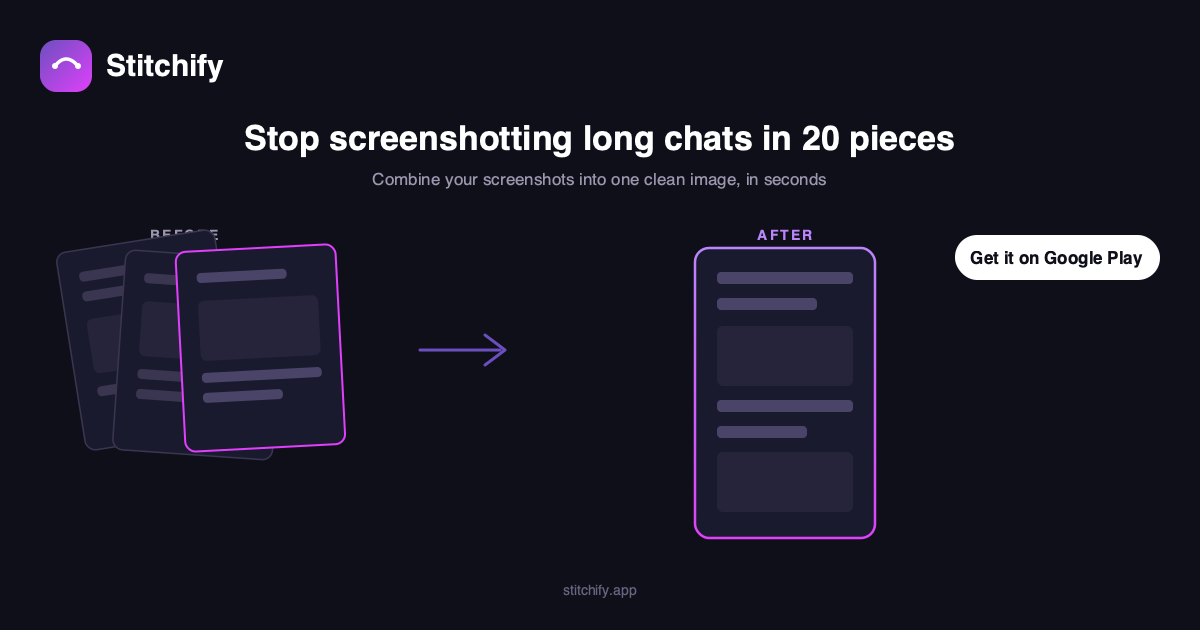
Stitchify fixes that. It’s a simple, focused app that does one thing really well: it takes your screenshots and stitches them into a single, clean, continuous image — in seconds, right on your phone.
Why We Built It
Most photo editors try to do everything — filters, layers, effects — and end up making a five-second task take five minutes. Stitchify is the opposite. Pick your images, tap stitch, done. No learning curve, no clutter.
What You Can Do With It
- Combine screenshots into one long, scrollable image — perfect for chat conversations, long articles, or documentation
- Merge photos vertically for comparisons, before/afters, or step-by-step guides
- Full-resolution export with no quality loss (Premium)
- No watermark on your exported images (Premium)
- Ad-free experience if you upgrade (Premium)
The free version lets you try it out with up to 3 images per stitch — enough to see exactly how clean the result looks before you decide if you want more.
Who It’s For
- Anyone who needs to share a long chat thread without 15 separate screenshots
- QA testers and developers documenting bugs across multiple screens
- Students and researchers saving long articles or reference material
- Basically anyone tired of the “which screenshot was that again?” problem
Try It Now
Stitchify is available now on Google Play:
Download Stitchify on Google Play →
(iOS version coming soon to the App Store — link will be added here once it’s live.)
If you give it a try, we’d genuinely love to hear what you think — and if it saves you time, a quick review on the Play Store goes a long way for a small app like this.